

Before downloading, make sure your phone has enough space and a dependable connection. Review the X7 download page and its Android file details first, then keep the transfer running until your browser reports that it has finished.
Your pre-download checklist
| Phone | An Android handset with its security updates installed |
|---|---|
| Space | Enough free storage for the APK and the installed application |
| Connection | A reliable Wi-Fi or mobile-data connection |
| Source | The X7 download destination you have verified |
| Reader | An adult who meets the applicable access requirements |
From Download to Installation
- Visit the linked X7 service using the Android phone where you intend to install the app.
- Check the page identity and locate the Android package information shown there.
- Allow the transfer to finish before opening anything from the download list.
- Find the completed APK in your browser downloads or phone notification panel.
- Review the Android source notice and the access requested by the installer.
- If the source and requested access are acceptable, finish installation and launch the app.
- Returning members should sign in with their existing profile rather than register again.
File size and release details can change. Use the information on the download page rather than assuming an older package is still current.
What to Review on First Launch
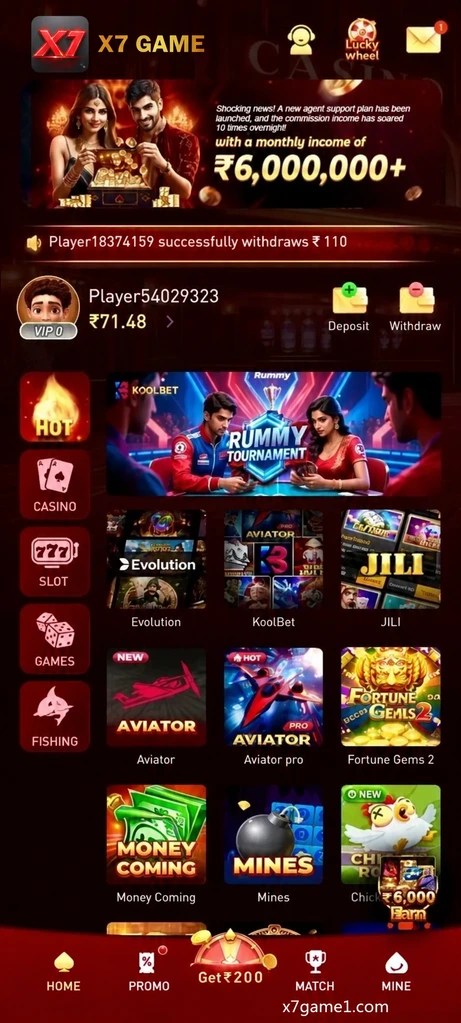
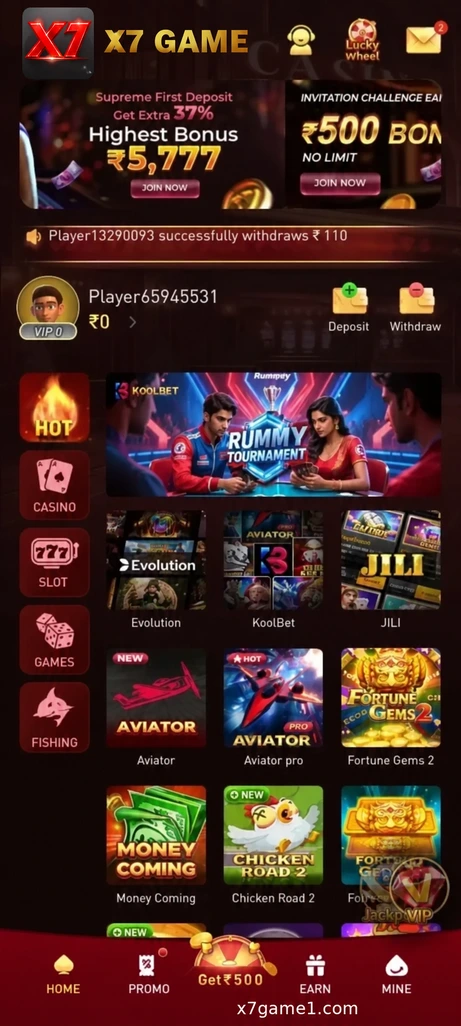
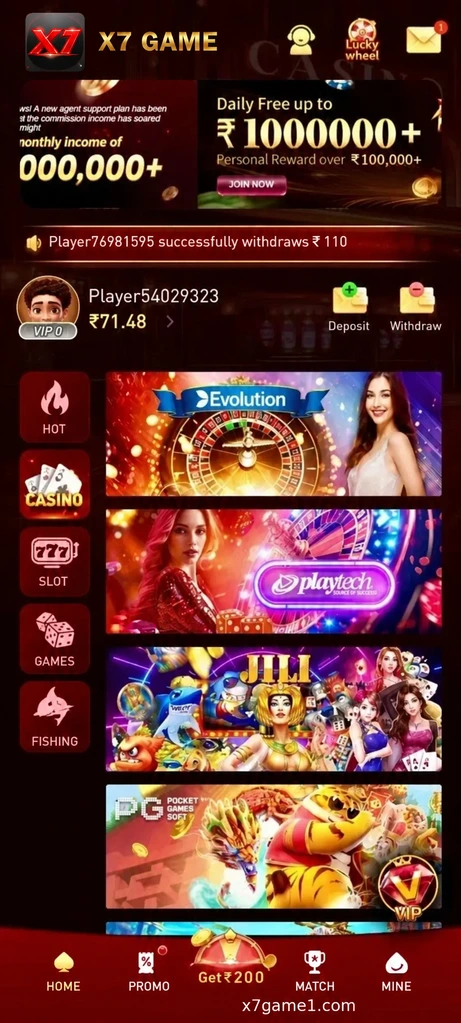
Give the opening screen time to load, then locate the profile area, help options and main menu. If you are new to the service, consult the X7 registration guide. If you already have a profile, use its existing sign-in details.
Review Source Access After Setup
Installation can involve granting source access to a browser or file manager. Once setup is complete, return to Android settings and remove any temporary installation access you no longer need.
Recognise the App Sections

Questions About Android Setup
Where should I check the available Android version?
Read the package details on the linked X7 page immediately before starting the download.
How should I handle an interrupted download?
Confirm that free space and the connection are sufficient, then retry the download from the verified page.
Do I need to register again after installing the app again?
No. Reinstallation does not call for a second profile; use the credentials for your existing account.
What should I do about an unfamiliar access request?
Leave the request unapproved until you understand why it is needed and have checked the file source.